AI Receptionist: Transforming Small Business Automation
AI Receptionist, Small Business Automation, Virtual Receptionist, Automated Customer Service
How an AI Receptionist Works for Small Businesses: A Day in the Life of Your Always-On Front Desk
Imagine your small business never missing a call, greeting every customer by name, and handling routine questions before you’ve even poured your first cup of coffee. That’s the quiet revolution an AI Receptionist is bringing to small businesses everywhere.
Morning at Maple & Main: A Small Business on the Edge of Burnout
By 8:15 a.m., the phone at Maple & Main Wellness Center was already ringing off the hook. Jenna, the owner, balanced a mug of coffee in one hand and a clipboard in the other as she tried to check in her first client of the day. The phone rang again. And again. Voicemail light blinking, text notifications piling up, customers hovering at the front desk—this was her normal morning soundtrack.
“I’m so sorry, can you hold just one second?” she said for the third time in ten minutes, pressing the receiver to her shoulder while she swiped a card and handed over a receipt. Somewhere in the chaos, two calls went straight to voicemail, one caller hung up in frustration, and a new client left a confused comment on social media: “I’ve tried calling three times—are you open?”
For Jenna, this wasn’t a customer service problem in theory—it was a daily, lived reality. She couldn’t afford a full-time receptionist, and her part-time help was already stretched thin. Yet every missed call felt like a missed opportunity, a tiny crack in the reputation she’d worked so hard to build. She knew she needed small business automation , but she didn’t want to lose the warmth that made Maple & Main feel human and welcoming.
💡 Pro Tip: If your voicemail fills up regularly, or you dread looking at missed calls, your business is signaling that it’s time to rethink how the front desk runs.
Enter the AI Receptionist: Not a Robot Voice, but a Reliable Teammate
One evening, after another long day of juggling calls and clients, Jenna heard a fellow business owner describe something that sounded almost too good to be true: an AI Receptionist that could answer every call, 24/7, greet customers, route calls, book appointments, and answer common questions—without needing a lunch break, a salary, or a sick day. It sounded like science fiction, but it was already working quietly behind the scenes in businesses like hers.
At its core, an AI Receptionist is a smart layer of automated customer service that lives in your phone system and other business communication tools . It listens when customers call, understands what they’re saying, and responds in a way that feels natural and helpful. Think of it as a virtual receptionist that never gets flustered, never forgets a detail, and always knows which question to ask next. If you’re curious how this compares to hiring someone in-house, this breakdown of ai receptionist vs traditional receptionist offers a helpful side-by-side view of costs, coverage, and customer experience.
But how does it actually work, moment by moment, inside a real small business like Maple & Main? To understand that, let’s follow a typical day from the AI’s perspective—and peek under the hood as we go.
8:02 a.m.: First Call of the Day and the Magic of AI Call Handling
The first call comes in before Jenna even flips the “Open” sign. Instead of ringing endlessly on the front desk phone, it routes through Maple & Main’s new AI Call Handling system. In a fraction of a second, the AI answers with a warm, friendly voice:
“Good morning! You’ve reached Maple & Main Wellness Center. This is your virtual receptionist. How can I help you today?”
The caller, a new client named Marcus, responds, “Hi, I’d like to schedule a massage for this afternoon, if possible.” In that instant, several things happen behind the scenes that make this feel effortless:
The AI’s speech recognition converts Marcus’s words into text in real time, picking up on “schedule,” “massage,” and “this afternoon” as key intent clues.
A natural language understanding engine processes that text and classifies it as an appointment request for a specific service.
The AI Receptionist connects to Maple & Main’s booking software—one of the core business communication tools Jenna uses—and checks real-time availability for massage therapists that afternoon.
“We do have availability this afternoon,” the AI replies. “Are you available at 3:30 or 4:15 p.m.?” Marcus chooses a time, the AI confirms his email, books the appointment, and sends a confirmation message—without Jenna hearing a single ring. To Marcus, it feels like he just spoke to a very efficient person at the front desk. To Jenna, it feels like she’s been given the gift of time.
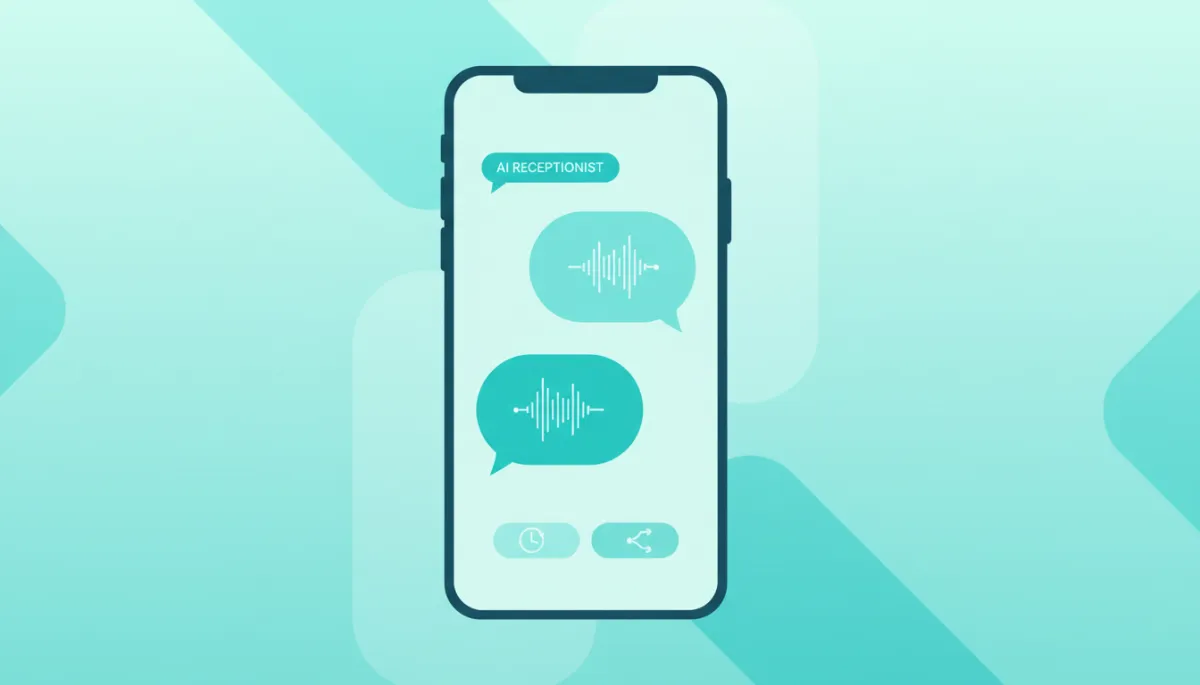
Smart AI call handling turns every incoming call into a guided, helpful conversation.
Behind the Scenes: What the AI Receptionist Actually “Knows”
It’s tempting to imagine an AI Receptionist as a mysterious black box, but in reality, it’s more like a very well-trained assistant with a detailed playbook. When Jenna set up her virtual receptionist , she didn’t just flip a switch; she walked the system through how her business works:
Business basics: hours, location, parking details, and how to reach different team members.
Services and pricing: the difference between a 60-minute and 90-minute massage, add-ons, and membership options.
Common questions: “Do you accept walk-ins?”, “What’s your cancellation policy?”, “Do you offer gift cards?”
This information becomes the AI’s knowledge base. When a caller asks, “Are you open on Sundays?” or “Where should I park?”, the AI doesn’t guess. It pulls from this curated set of answers, shaped by Jenna’s own words, so the tone and details sound like Maple & Main—not a generic script. That’s the heart of automated customer service done right: it’s not just fast, it’s on-brand and accurate.
💡 Pro Tip: The more clearly you document your FAQs, policies, and workflows, the more capable your AI Receptionist becomes from day one.
When the AI Knows to Step Aside: Smart Routing and Human Handoffs
Of course, not every call is as simple as booking an appointment or answering a quick question. Later that same morning, Maple & Main’s AI Receptionist picks up another call. This time, the caller sounds worried: “Hi, I had a reaction after my treatment yesterday and I’m not sure what to do.”
Immediately, the AI recognizes this isn’t a standard FAQ. Certain keywords—“reaction,” “yesterday,” “not sure what to do”—trigger a different path in the system’s logic. This is where AI call handling shows its real value: not by pretending to be a doctor or therapist, but by knowing when a human expert is essential.
The AI flags the call as urgent and health-related in its internal routing rules.
It checks who is available on-site—Jenna is marked as “in session” in the system, but her lead therapist is set to “available for urgent calls.”
The AI says calmly, “I’m going to connect you with a team member who can help. Please hold for just a moment,” and transfers the call directly to the right person with a short note on-screen summarizing the concern.
This graceful handoff is part of what makes an AI Receptionist feel like a teammate rather than a gatekeeper. It doesn’t try to do everything. It triages, filters, and routes so that the calls that truly need a human get to one faster, with better context. In other words, it doesn’t replace your people—it makes them more reachable and more prepared when they pick up the line.
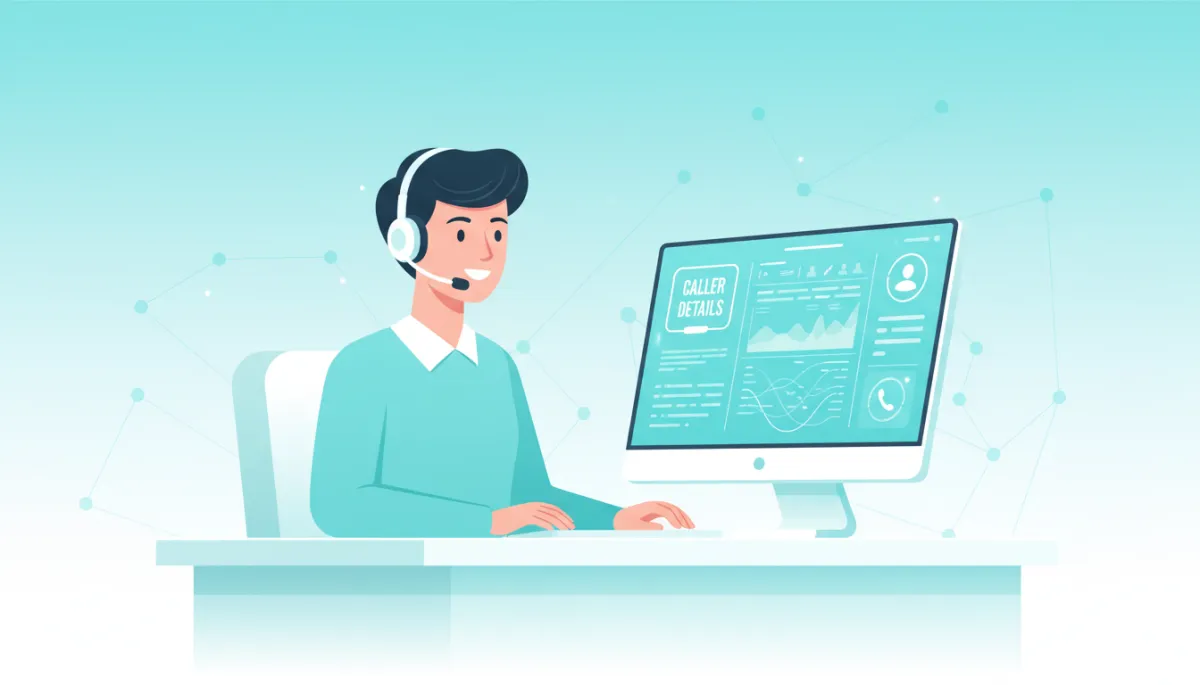
Intelligent routing helps humans focus on the calls where empathy and expertise matter most.
Small Business Automation Without Losing the Human Touch
Before she installed her AI Receptionist , Jenna worried that small business automation would make her practice feel cold or impersonal. After all, Maple & Main was built on warm greetings, familiar faces, and the sense that someone always had time to listen. But over the next few weeks, she noticed something surprising: clients were actually getting more human attention, not less.
The AI was handling routine calls—hours, directions, simple reschedules—freeing Jenna and her team to focus on in-person guests.
Fewer calls went to voicemail, which meant fewer frustrated follow-ups and fewer awkward “Sorry we missed you” conversations.
New clients commented on how easy it was to book: “I called and got an appointment right away; someone answered even after hours!”
Automation, Jenna realized, wasn’t about removing the human element—it was about removing the friction that kept her from being fully present with the humans right in front of her. Her virtual receptionist became the first friendly voice people heard, and she and her staff were the second. Together, they formed a continuous, consistent experience that felt more professional and more caring than the patchwork system she’d been relying on before.
💡 Pro Tip: Use your AI Receptionist to handle repetitive tasks—like confirmations, reminders, and FAQs—so your team can spend their energy on high-value, relationship-building moments.
How an AI Receptionist Fits Into Your Business Communication Tools Stack
For many small business owners, the idea of adding another tool can feel overwhelming. There’s already the booking system, the CRM, the email marketing platform, and the chat widget on the website. The good news is that modern AI Receptionist platforms are designed to sit at the center of your business communication tools , not on the outskirts. They connect, rather than complicate.
In practice, that means your AI Receptionist can:
Sync with your calendar or booking app to offer real-time appointment options, just like Maple & Main’s did for Marcus.
Log call summaries into your CRM, so you can see a caller’s history and preferences when they visit or call again.
Trigger follow-up texts or emails—confirmations, reminders, or thank-you notes—based on how each call ends.
Share voicemails or complex issues with your team in tools you already use, like Slack or email, complete with transcriptions.
Instead of living in a separate silo, your AI Receptionist becomes the connective tissue between phone calls, messages, and in-person visits. It quietly documents, organizes, and passes along information so you can see the full story of each customer relationship, not just isolated moments.
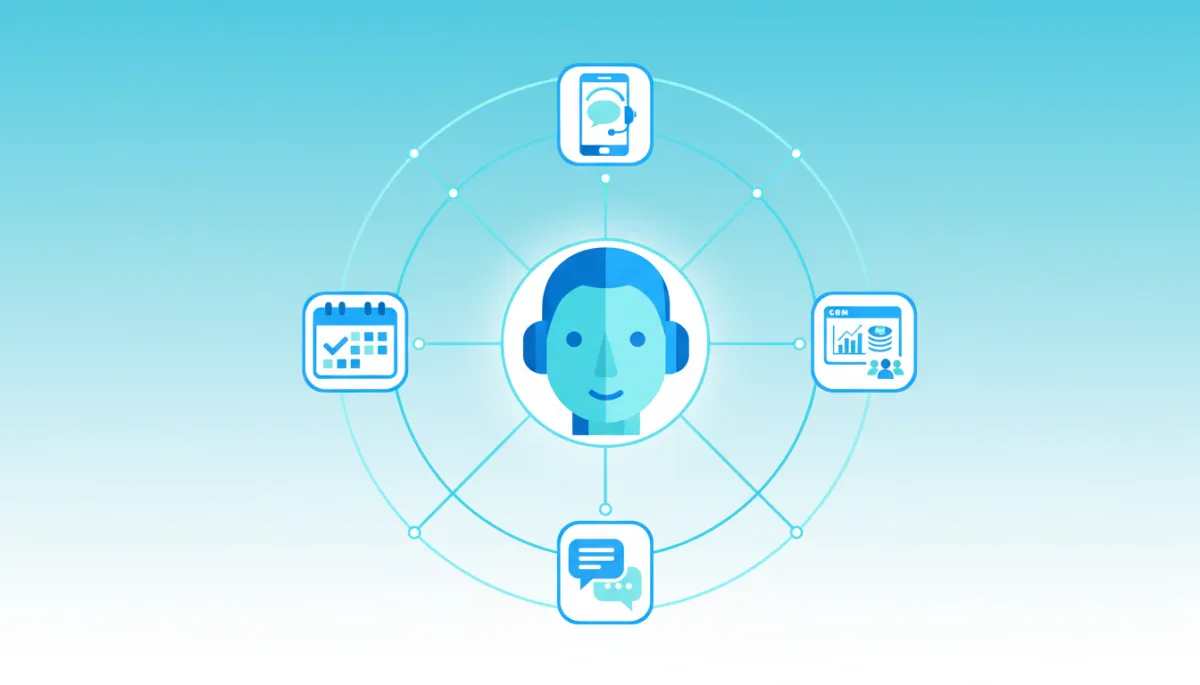
Integrated AI reception turns scattered tools into a single, coherent customer journey.
Late Afternoon: After-Hours, But Never Offline
Before adopting a virtual receptionist , Jenna’s heart used to sink as she locked the front door at the end of the day. She knew that every evening meant missed calls from people who couldn’t get away from their desks until after 5 p.m. Some would leave voicemails; others would quietly move on to a competitor whose phone lines were still open. It wasn’t her fault—she couldn’t be in two places at once—but it still felt like lost potential.
Now, when the clock hits closing time, the AI Receptionist doesn’t clock out. It simply shifts gears. The greeting changes automatically: “You’ve reached Maple & Main Wellness Center after hours. I can help you with booking, rescheduling, or answering common questions. If you need urgent assistance, I’ll connect you to our on-call team member.”
A parent calls at 8:30 p.m. after putting the kids to bed and books a weekend appointment without waiting for the next day’s call-back.
A regular client reschedules a session via phone, and the AI updates the system, sends a confirmation, and frees up a prime time slot for someone else.
A new customer calls with basic questions, gets clear answers, and hangs up thinking, “They’re really on top of things.”
By the time Jenna walks in the next morning, her AI Receptionist has already captured the overnight demand, filled appointment gaps, and summarized anything that needs her personal attention. Instead of starting the day in catch-up mode, she starts with clarity: a list of what happened, who called, and what’s next.
What an AI Receptionist Can (and Can’t) Do for Your Small Business
By now, the story of Maple & Main might sound familiar. Maybe you’re also juggling calls while trying to serve customers in person. Maybe you’ve considered hiring a receptionist but can’t justify the cost. Or maybe you’ve already tried a basic phone menu and hated how robotic it felt. Understanding what an AI Receptionist can realistically do helps you decide if it’s the right fit for you.
Here’s what AI excels at:
Consistency: It answers every call with the same calm, friendly tone—no matter how busy your day has been.
Speed: It can pull up information, check schedules, and route calls in seconds, reducing hold times dramatically.
Availability: It works after hours, on holidays, and during your busiest seasons without burnout or overtime.
Memory: It remembers caller history, preferences, and past interactions when connected to your other systems.
And here’s where humans still shine:
Complex judgment: Nuanced situations, exceptions to policies, or emotionally charged conversations are best handled by people who can adapt and empathize in real time.
Relationship-building: Deep trust, long-term loyalty, and personal rapport grow from human-to-human interactions, not scripts—no matter how smart they are.
The most successful small businesses don’t use AI to replace their front-desk personality; they use it to protect it. By offloading repetitive tasks and first-line questions to an AI Receptionist, your team has more time and emotional bandwidth for the conversations that truly matter.
Getting Started: Bringing an AI Receptionist Into Your Own Story
If you’re picturing your own version of Maple & Main—phones ringing, customers waiting, staff multitasking—you might be wondering how to actually begin. The journey to small business automation with an AI Receptionist doesn’t have to be overwhelming. In fact, the most effective rollouts follow a simple, story-like arc:
Chapter One: Clarify your pain points. Is it missed calls? After-hours inquiries? Staff interruptions? Knowing your main struggle helps you choose the right features and priorities for your virtual receptionist .
Chapter Two: Map your customer journeys. Walk through what typically happens when someone calls: new inquiries, existing customers, urgent issues, simple questions. Decide which paths AI should handle fully and where it should hand off to humans.
Chapter Three: Build your knowledge base. Collect your FAQs, policies, and service descriptions in one place. These become the building blocks of your automated customer service responses.
Chapter Four: Start small, then expand. Begin with a few high-impact tasks—like after-hours call handling or appointment booking—and add more capabilities as you and your team get comfortable.
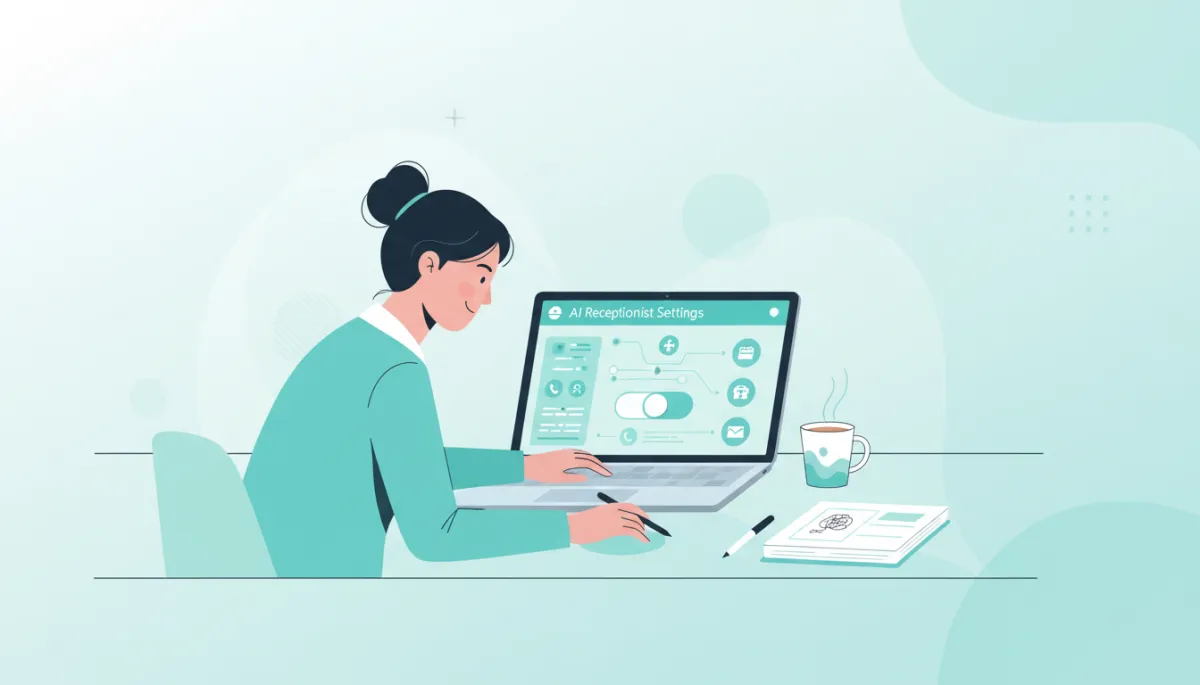
Thoughtful setup ensures your AI receptionist sounds like an extension of your brand.
The Quiet Transformation: From Chaos to Calm
A few months after turning on her AI Receptionist, Jenna noticed something she hadn’t expected. The soundtrack of her mornings had changed. There were still phone calls, of course, but they no longer felt like an unpredictable storm. The AI handled the steady hum of routine inquiries, and the calls that did come through to her or her team felt more focused, more intentional, more human.
Her customers noticed, too. They commented on the ease of booking, the clarity of information, and the fact that they rarely heard a busy tone or got bounced to voicemail. To them, Maple & Main simply felt more professional, more responsive, more present. They didn’t know that an AI Receptionist was quietly orchestrating much of this behind the scenes—they just knew they felt taken care of.
That’s the real power of AI call handling for small businesses. It doesn’t announce itself with flashy gimmicks or robotic menus. It shows up in the subtle shifts: fewer missed calls, smoother days, more time for meaningful conversations, and a reputation for reliability that grows with every answered ring.
Writing Your Next Chapter With an AI Receptionist
Every small business has its own story: the late nights, the early mornings, the customers who became friends, the near-misses that turned into breakthroughs. Adding an AI Receptionist to that story isn’t about erasing the human struggle; it’s about changing the script so that your energy goes where it matters most.
Maybe your next chapter is the one where you stop apologizing for missed calls, where your team no longer has to choose between the person in front of them and the person on the line, where your business communication tools finally feel like a single, coordinated system instead of a scattered collection of apps. Maybe it’s the chapter where your small business feels just a little bigger, more capable, and more resilient—without losing the heart that made you start it in the first place.
An AI Receptionist won’t write your entire story for you. But it can free your hands, clear your desk, and quiet the constant ring of the phone long enough for you to pick up the pen again—and decide, with intention, what comes next for you, your team, and every customer who calls hoping someone will answer.
Take the Next Step Toward a Smarter Front Desk
If you’re ready to explore how an AI Receptionist can capture more leads, provide 24/7 support, and fuel business growth, start by seeing what’s possible with Answerly. Visit the Answerly home page to learn how modern AI technology can become your always-on front desk.
You can also dive deeper into the future of front-desk automation by reviewing this in-depth guide to the ai receptionist and how it reshapes customer experience for growing businesses. And if you’d like expert help designing a broader automation strategy around your phones, CRM, and workflows, consider partnering with a specialized business automation agency that can tailor AI reception and other tools to your unique operations.
Further Reading and Industry References
To benchmark your strategy and build a stronger SEO and authority foundation around AI-powered customer service, explore these respected resources:
McKinsey & Company – The future of customer care: Can AI help?
Deloitte Insights – AI-powered customer service: Transforming the customer experience
Harvard Business Review – AI should augment human customer service, not replace it
Salesforce – How AI is transforming customer service
Zendesk – AI in customer service: Benefits, challenges, and best practices